
VRXXX.ai · Headset guide
Find your next VR headset.
Compare VR headsets by setup, display detail and the checks that matter before you buy. Find the hardware that fits your way into VR.
Starter-fit scores use a published formula for setup convenience and panel resolution. They are not customer reviews or hands-on test results. This compares the six models featured in our guide, not the whole market.
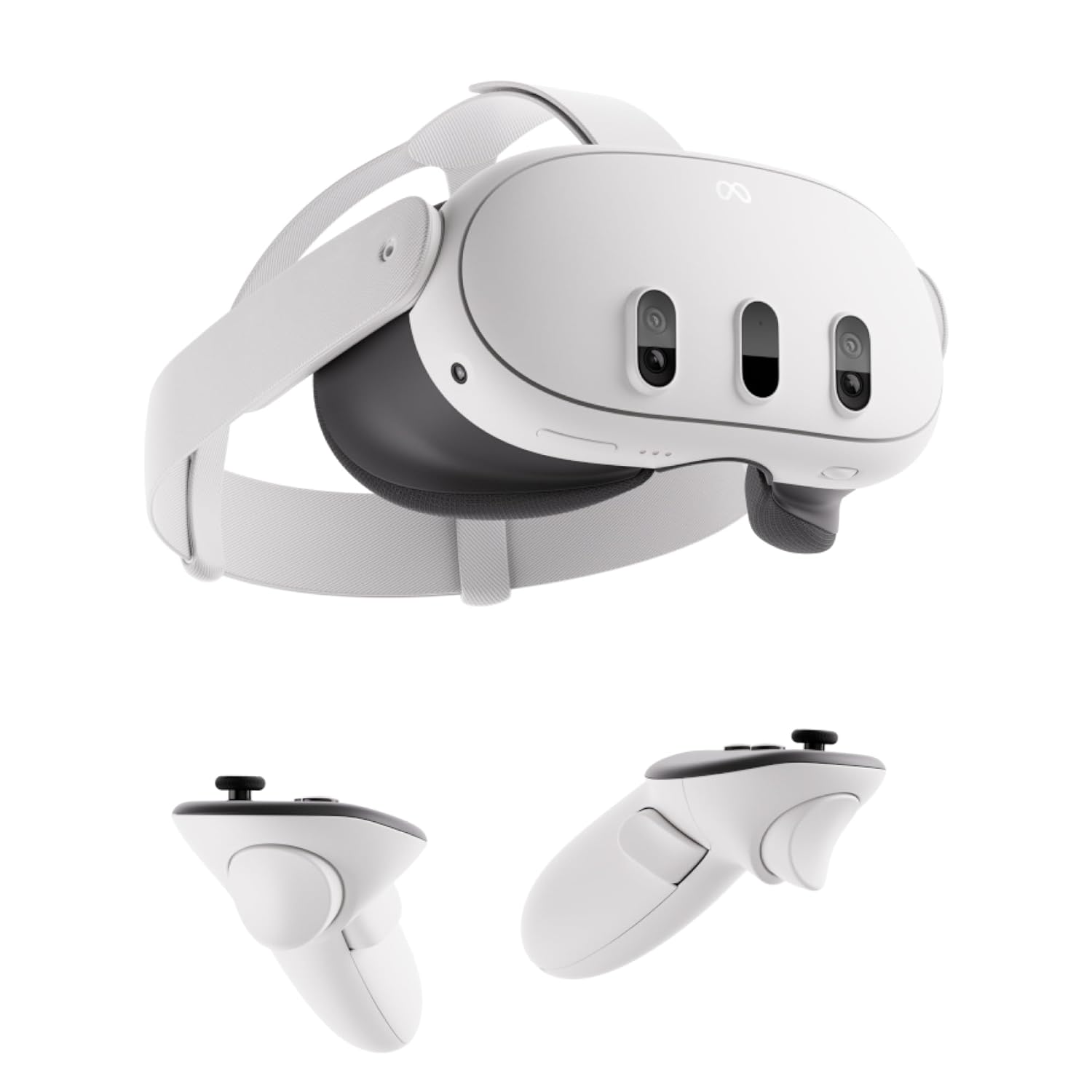
Meta Quest 3
512 GB listing
A practical starting point when you want an all-in-one headset with pancake optics. Compare app support and fit before choosing.
- Pixels per eye
- 2064 × 2208
- Setup
- No PC needed
Strengths & buying checks
Why consider it. Standalone use with no external base stations.
Before you buy. Display refresh rate does not guarantee the same video frame rate. Playback depends on the app, format and source.
Setup: 5/5 · Panel detail: 4/5. How the score works.

Meta Quest 2
128 GB listing
An older standalone option to assess by condition and total cost. The previously linked listing is the 128 GB version.
- Pixels per eye
- 1832 × 1920
- Setup
- No PC needed
Strengths & buying checks
Why consider it. Standalone hardware; useful to compare if you already own one.
Before you buy. Meta ended sales of this model. Check current app support, battery condition, warranty and the exact storage capacity.
Setup: 5/5 · Panel detail: 3/5. How the score works.
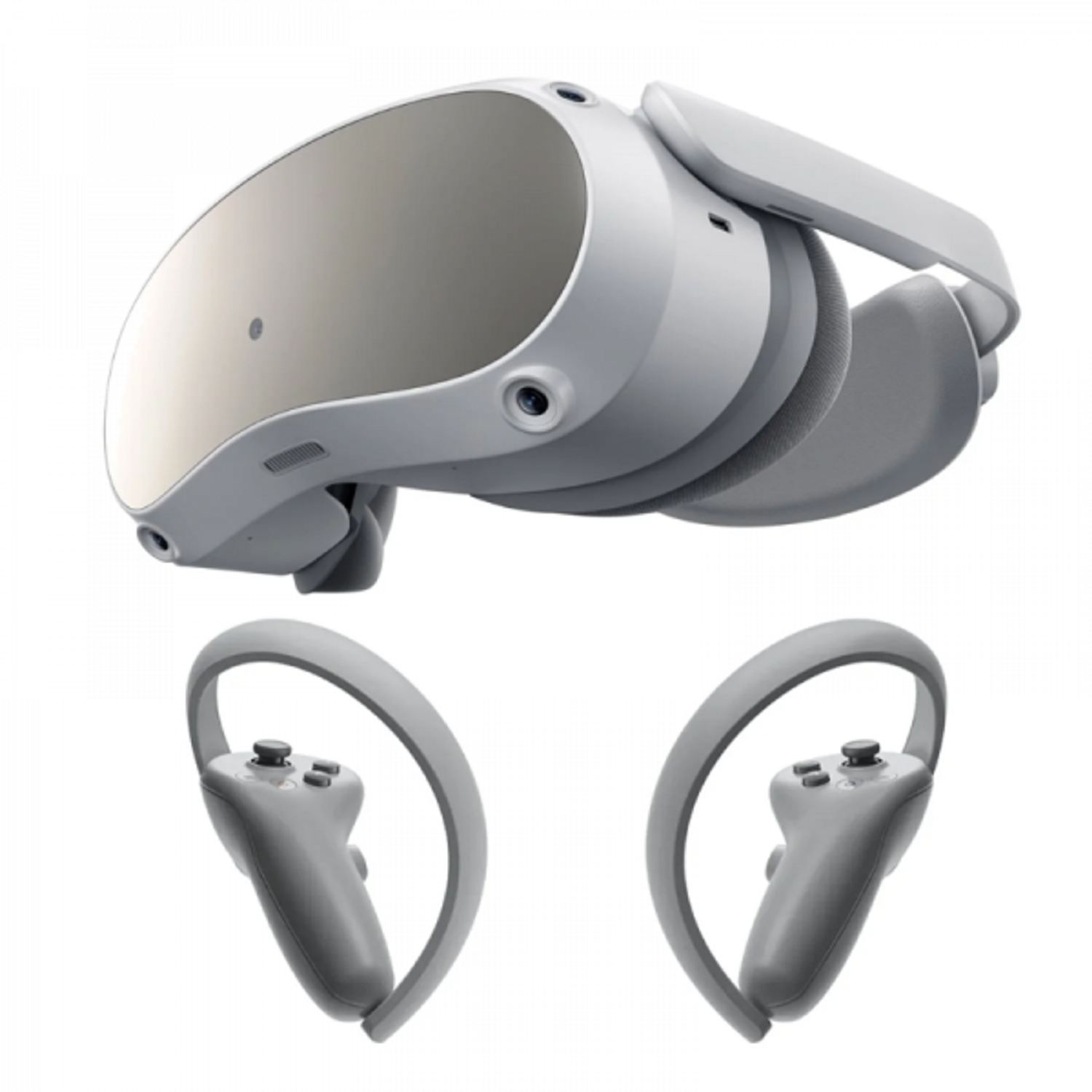
PICO 4
Consumer model · 128 / 256 GB
A standalone alternative with pancake lenses. Check the apps and warranty offered in your country before buying.
- Pixels per eye
- 2160 × 2160
- Setup
- No PC needed
Strengths & buying checks
Why consider it. 2160 × 2160 pixels per eye, with adjustable IPD.
Before you buy. Consumer PICO 4 and PICO Enterprise are different products. Match the exact model, app catalogue and seller package.
Setup: 5/5 · Panel detail: 4/5. How the score works.

Valve Index
Check headset-only vs complete kit
A tethered SteamVR headset for an existing PC setup. Its setup requirements matter more than a generic “premium” label.
- Pixels per eye
- 1440 × 1600
- Setup
- PC + base stations
Strengths & buying checks
Why consider it. Off-ear audio and adjustable eye relief.
Before you buy. Needs a compatible PC and base stations. Confirm which controllers and tracking hardware the listing includes.
Setup: 2/5 · Panel detail: 2/5. How the score works.
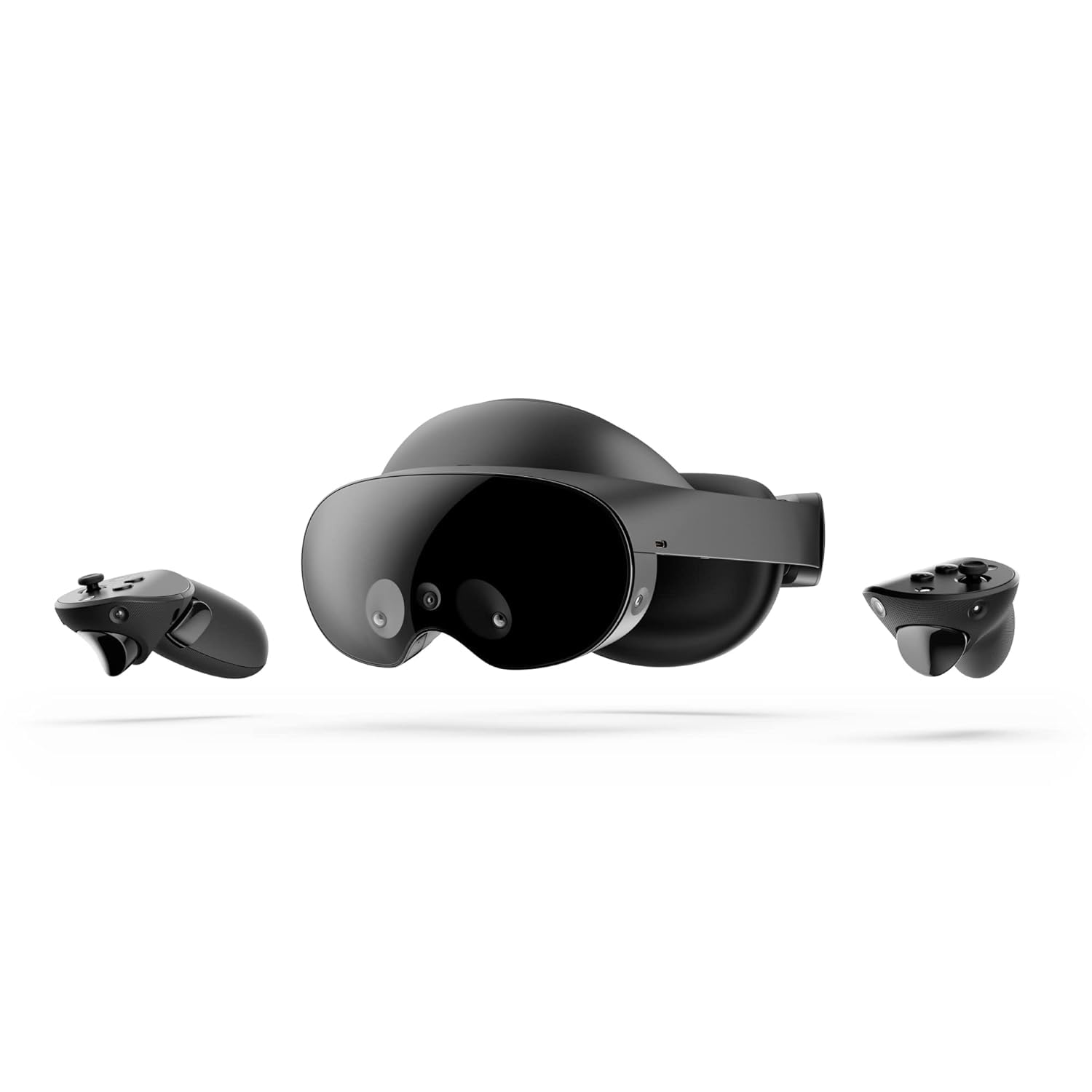
Meta Quest Pro
Check item condition and accessories
An older model with pancake optics and eye and face tracking. Those features need app support to be useful.
- Pixels per eye
- 1800 × 1920
- Setup
- No PC needed
Strengths & buying checks
Why consider it. Eye and face tracking for compatible applications.
Before you buy. Meta ended sales of this model. Check support, condition and included light blockers before buying for immersive viewing.
Setup: 5/5 · Panel detail: 3/5. How the score works.
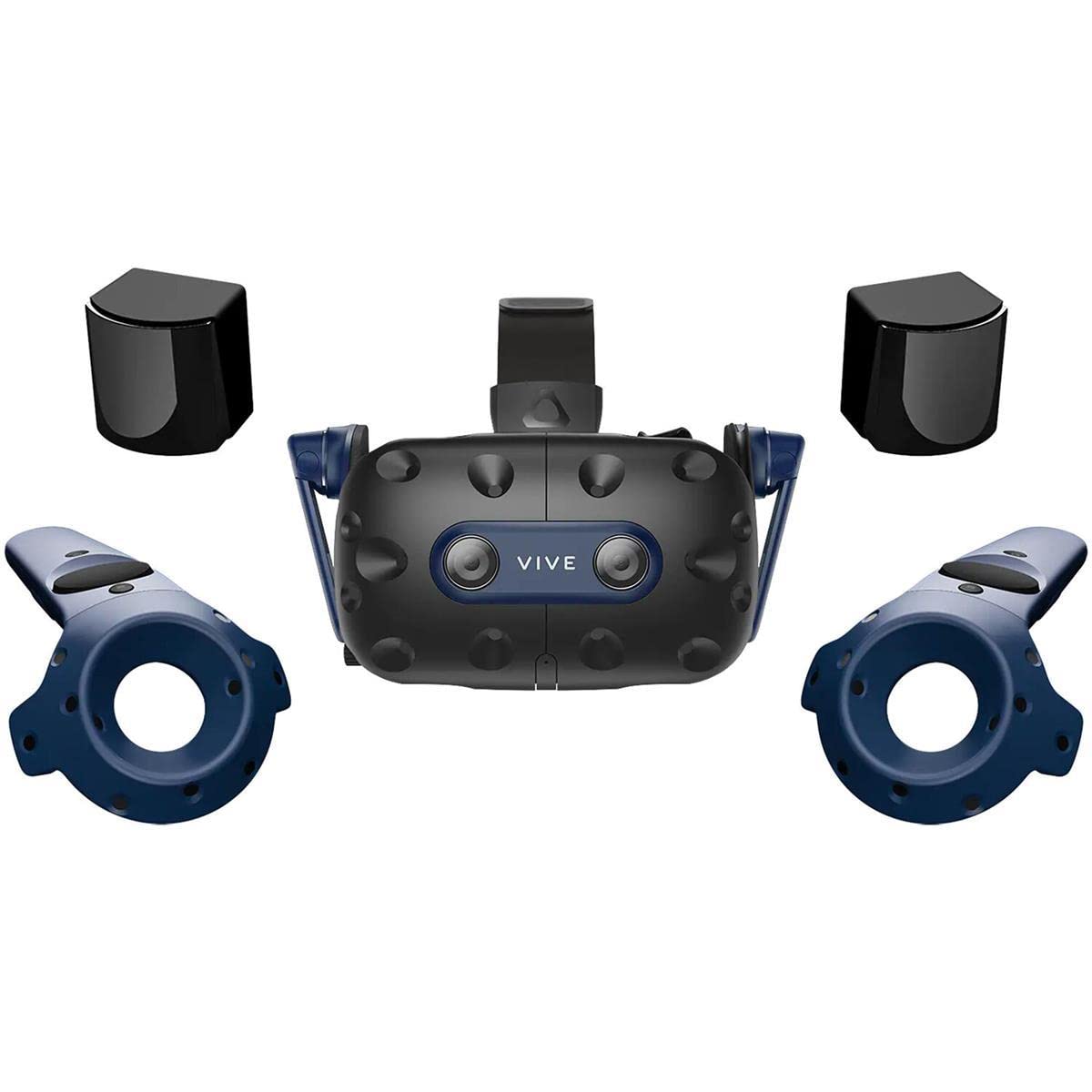
HTC VIVE Pro 2
Check headset-only vs system bundle
The highest panel resolution among these six models. It also needs a capable PC and a complete tracking setup.
- Pixels per eye
- 2448 × 2448
- Setup
- PC + base stations
Strengths & buying checks
Why consider it. 2448 × 2448 pixels per eye.
Before you buy. Full-resolution mode requires suitable graphics hardware and DisplayPort 1.4 with DSC. Check the complete kit cost.
Setup: 2/5 · Panel detail: 5/5. How the score works.
No matching headsets. Try another model name or reset the filters.
Headset comparison
| Compare | Meta Quest 3 | Meta Quest 2 | PICO 4 | Valve Index | Meta Quest Pro | HTC VIVE Pro 2 |
|---|---|---|---|---|---|---|
| Starter-fit score | 9.2/10 | 8.4/10 | 9.2/10 | 4.0/10 | 8.4/10 | 6.4/10 |
| Pixels per eye | 2064 × 2208 | 1832 × 1920 | 2160 × 2160 | 1440 × 1600 | 1800 × 1920 | 2448 × 2448 |
| Setup | No PC needed for supported standalone apps | No PC needed for supported standalone apps | No PC needed for supported standalone apps | Compatible PC + base stations required | No PC needed for supported standalone apps | Compatible PC + base stations required |
| Lens information | Pancake | See manufacturer details | Pancake | Dual-element | Pancake | See manufacturer details |
| Model / listing | 512 GB listing | 128 GB listing | Consumer model · 128 / 256 GB | Check headset-only vs complete kit | Check item condition and accessories | Check headset-only vs system bundle |
| Buying check | Display refresh rate does not guarantee the same video frame rate. Playback depends on the app, format and source. | Meta ended sales of this model. Check current app support, battery condition, warranty and the exact storage capacity. | Consumer PICO 4 and PICO Enterprise are different products. Match the exact model, app catalogue and seller package. | Needs a compatible PC and base stations. Confirm which controllers and tracking hardware the listing includes. | Meta ended sales of this model. Check support, condition and included light blockers before buying for immersive viewing. | Full-resolution mode requires suitable graphics hardware and DisplayPort 1.4 with DSC. Check the complete kit cost. |
How the starter-fit score works
This narrow editorial formula prioritises starting VR without extra hardware. The weights and bands are our editorial choices, based on the manufacturer's specifications.
- Setup convenience — 60%. Standalone use without a PC or external base stations scores 5/5. A PC and base-station setup scores 2/5.
- Panel resolution — 40%. Per-eye pixel count scores 1/5 below 2 million, 2/5 from 2 to under 3 million, 3/5 from 3 to under 4 million, 4/5 from 4 to under 5 million, and 5/5 from 5 million.
Score out of 10 = 2 × (setup points × 0.6 + resolution points × 0.4). Identical inputs receive identical scores.
The score excludes price, comfort, optics quality, software support, lifecycle and measured playback performance. It is not an overall product-quality rating. Read the buying checks, especially for discontinued models. Pixel counts alone do not establish perceived image clarity.
Before you choose
- Check the exact apps, video formats and regional support you need.
- Confirm fit, prescription-lens options and the seller's return policy.
- Budget for accessories, tracking equipment and a compatible PC where required.
- For older or used headsets, check warranty, battery condition and current manufacturer support.
Specification sources
- developers.meta.com — compare devices
- about.fb.com — meet meta quest 3 mixed reality headset
- developers.meta.com — render scale
- about.fb.com — meta quest 3s devoile ouverture de precommandes lors de connect 2024
- www.picoxr.com — specs
- www.picoxr.com — pico4
- www.valvesoftware.com — headset
- about.fb.com — meta quest pro social vr connect 2022
- www.vive.com — specs
Manufacturer information checked 3 October 2026. Availability, app support and retailer package contents need checking separately.
A display's refresh rate is different from a video's frame rate. The player, content format and device capabilities determine playback. Stock, prices and included accessories can change.